Blog

How to manage email signatures across Google Workspace

How to manage email signatures across Google Workspace

A consistent email signature starts with a shared design, accurate employee details, and a clear update process. Here is how IT and marketing teams can manage those pieces across Google Workspace.

Read more17.10.2026
What Signaturify accesses in Google Workspace

What Signaturify accesses in Google Workspace

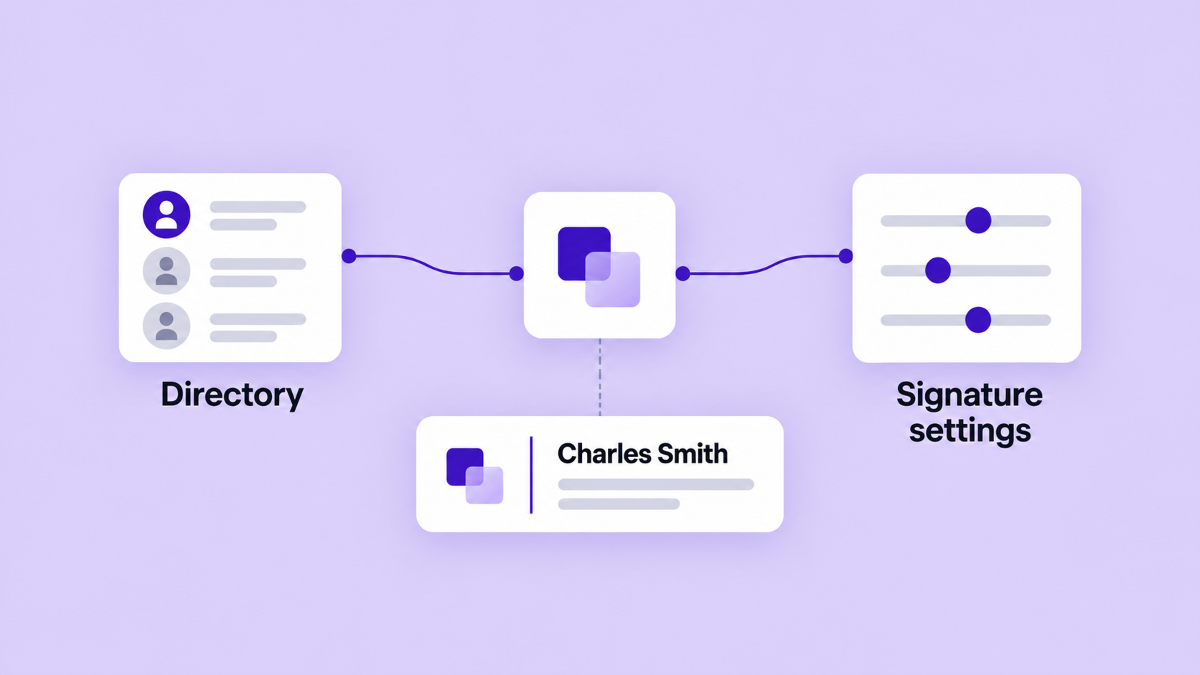
Before connecting a signature platform to Google Workspace, understand what it needs to read, what it changes in Gmail, and what stays outside the workflow.

Read more17.10.2026
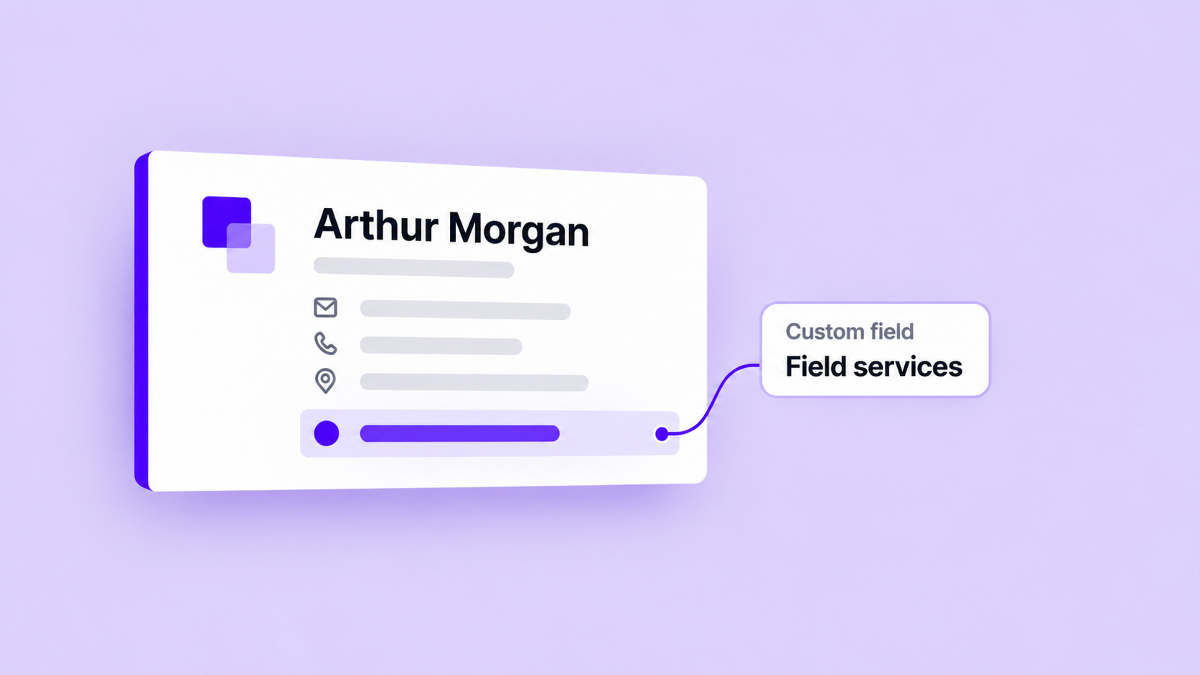
Personalizing email signatures with custom fields

Personalizing email signatures with custom fields

Use company-defined custom fields to add useful employee context to Google Workspace email signatures without rebuilding each signature by hand.

Read more17.10.2026
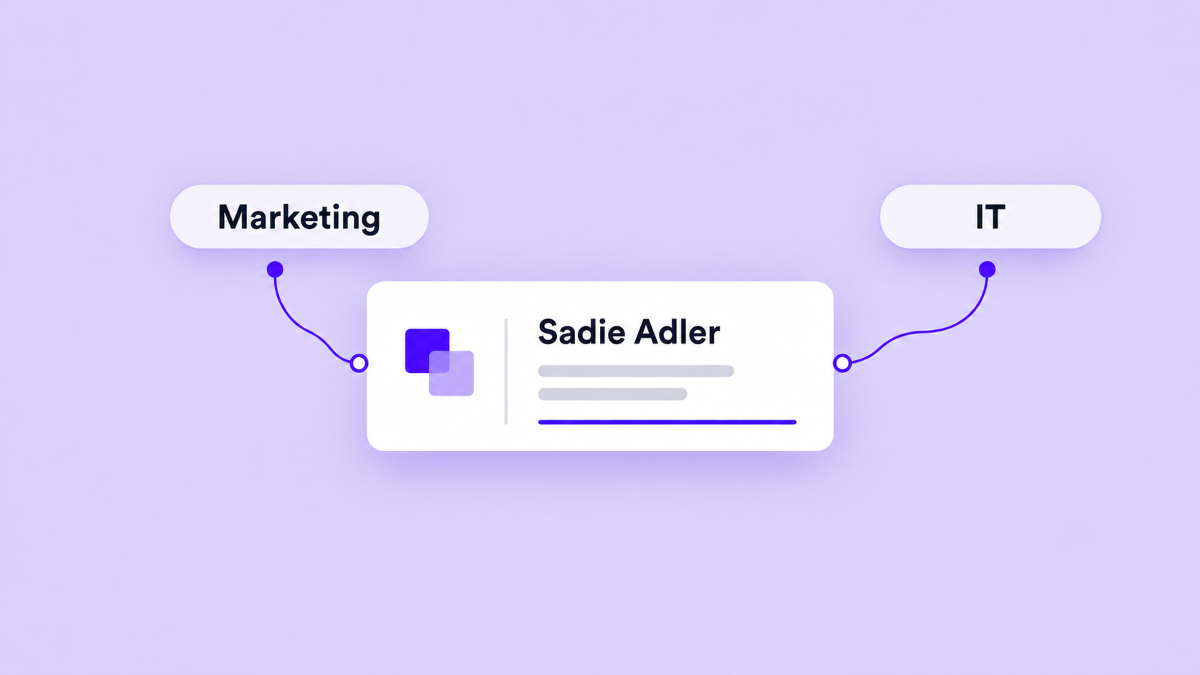
How marketing and IT can share email signature management

How marketing and IT can share email signature management

Give marketing a practical role in signature design while IT and marketing agree on Google Workspace access, data, audiences, and deployment responsibilities.

Read more17.10.2026
Using email signature banners for company announcements

Using email signature banners for company announcements

Use a time-bound email signature banner to share one company announcement with the right audience. Learn how to plan the image, targeting, dates, and follow-up action.

Read more17.10.2026
A practical plan for rolling out a new company email signature

A practical plan for rolling out a new company email signature

Plan a company email signature rollout with clear owners, clean employee data, a representative pilot, targeted deployment, and a maintenance routine.

Read more17.10.2026
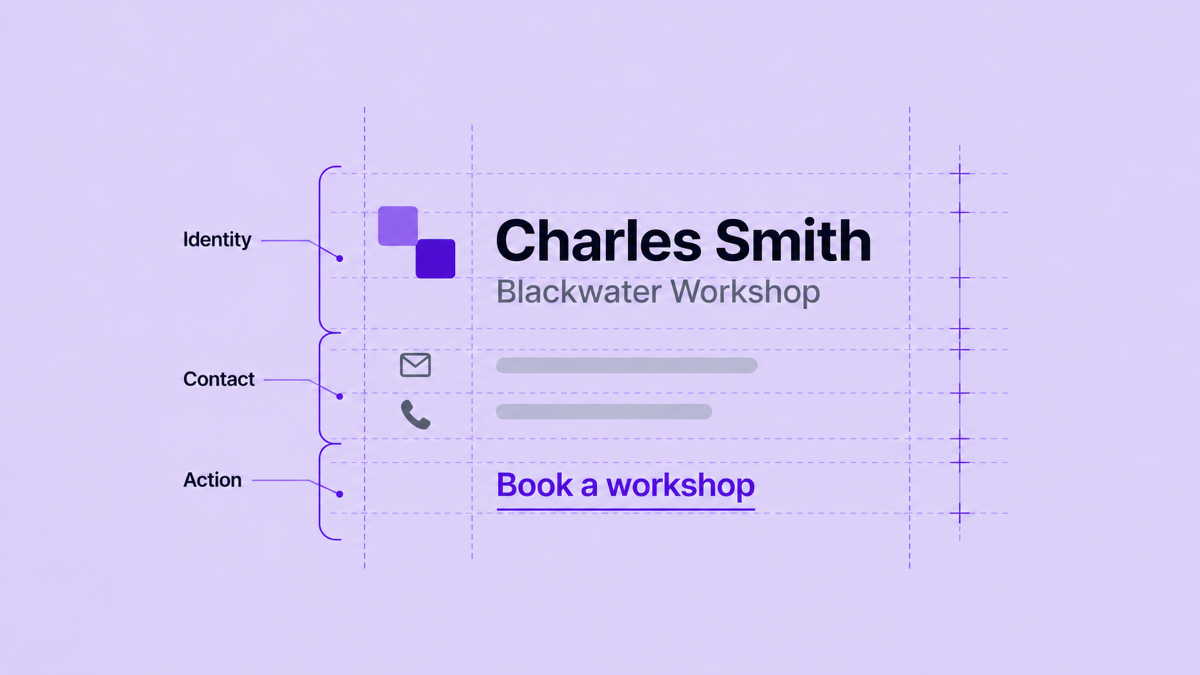
Designing a reusable signature with blocks

Designing a reusable signature with blocks

Build one adaptable Google Workspace signature from layouts, employee fields, company data, and one useful booking link, then preview and deploy it with control.

Read more17.10.2026
How to keep signatures tidy when employee details are missing

How to keep signatures tidy when employee details are missing

Learn when to hide an optional signature detail, when to fix employee data, and how to preview one reusable design with and without a phone number.

Read more17.10.2026